

Building a website is crucial for any business aiming to establish a digital presence. But with so many website builders available, how do you know which one fits your needs? Two popular platforms, Duda and WordPress, are often at the top of the list for small business owners, web designers, and marketing professionals. Both promise exceptional features, but which one stands out?
This guide will help you decide between Duda and WordPress by comparing usability, pricing, customization, templates, tools, and security. By the end, you’ll have a clear understanding of which platform is right for your needs.
What Are Duda And WordPress?
Duda
Duda is an all-in-one website builder known for its simplicity and cutting-edge design capabilities. Perfect for small businesses and marketing professionals, Duda provides an intuitive interface that allows users to create responsive websites without needing advanced technical skills. It is ideal for teams that prioritize speed, collaboration, and beautifully designed templates.
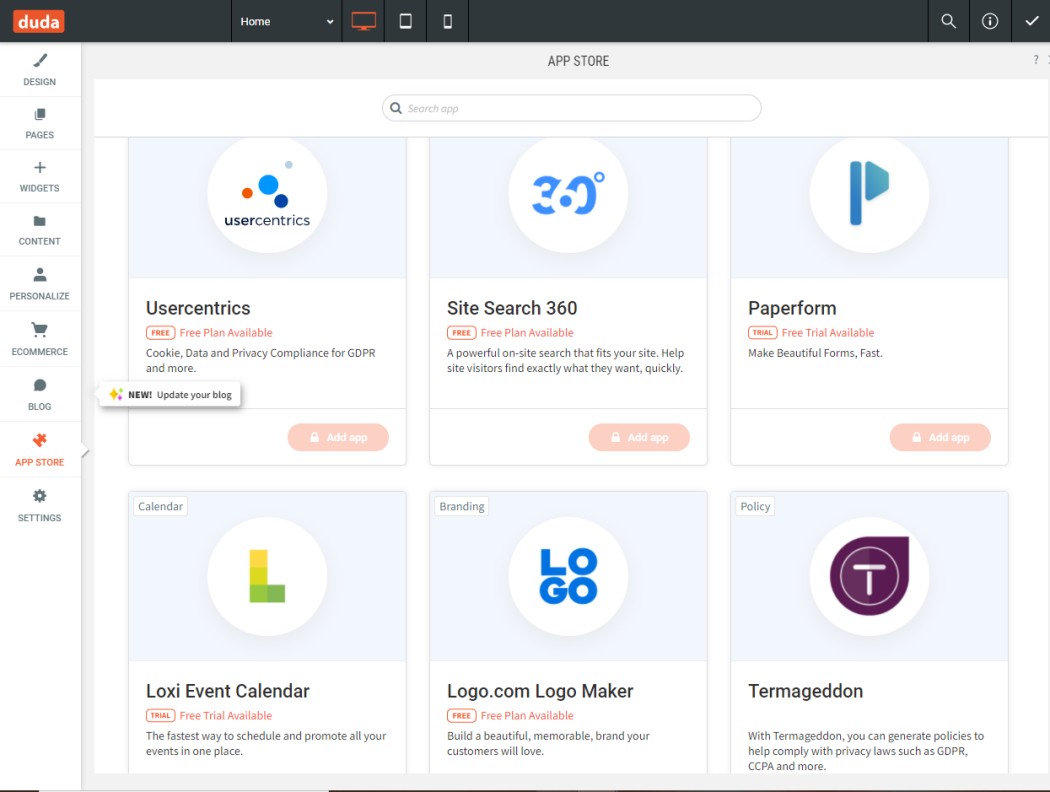
Key features of Duda include:
- Drag-and-Drop Editor for easy, code-free customization.
- Multilingual Support for global websites.
- Client Collaboration Tools for web designers.
- Built-in Hosting that simplifies site deployment.
WordPress
WordPress, on the other hand, is an open-source content management system (CMS) that powers over 40% of the internet. It comes in two major versions:
- WordPress.com (a managed platform with limited customization)
- WordPress.org (the self-hosted version, known for maximum flexibility).
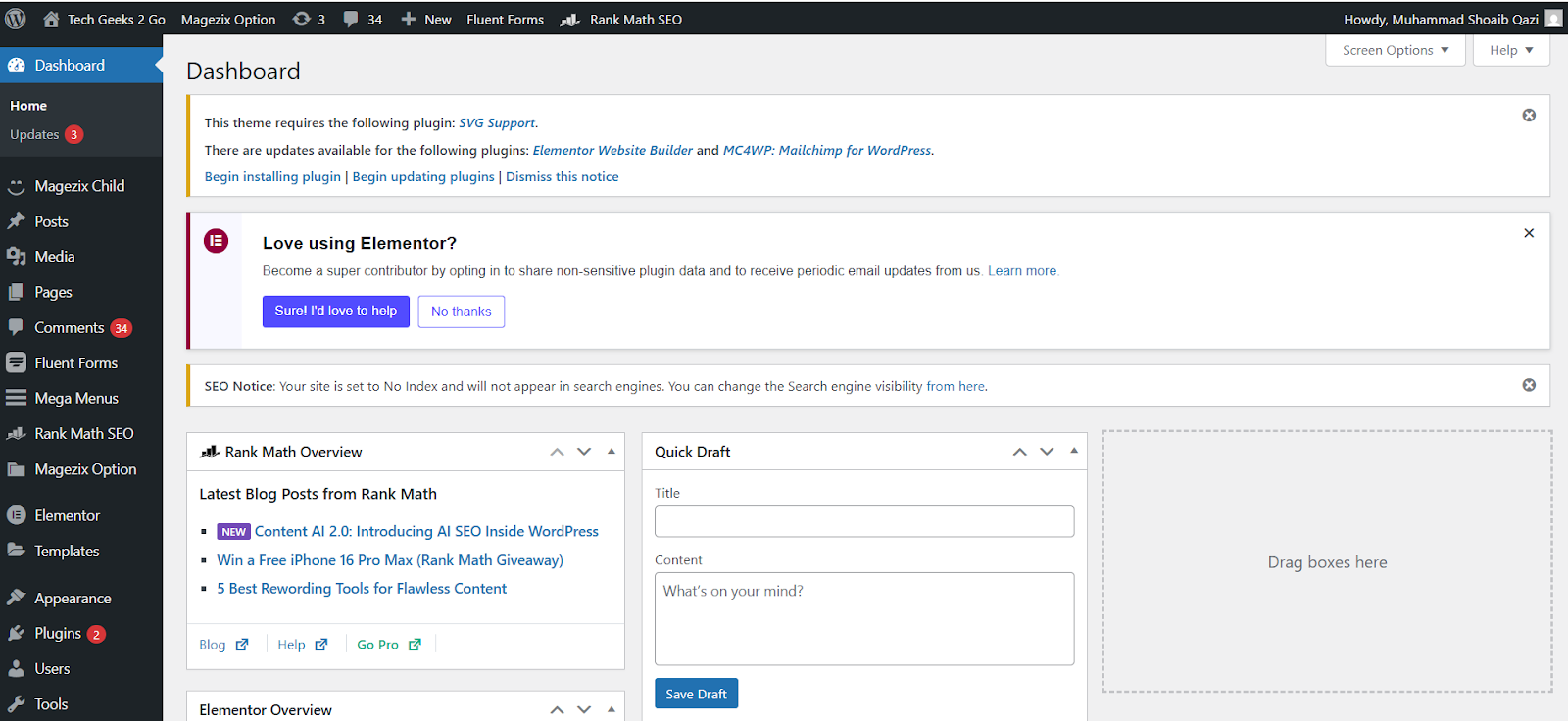
Key features of WordPress include:
- Extensive Plugin Library for adding almost any functionality.
- Custom Theme Options for tailored website designs.
- Scalability to manage websites of all sizes.
- SEO Tools for better search engine rankings.
Duda Vs. WordPress: Head-to-Head Comparison
Which Is Easier To Use?
Duda:
Duda simplifies the web design process with its drag-and-drop interface. Without prior technical knowledge, you can build a polished, responsive website in just a few hours. Collaboration features also make it a favorite among web designers managing multiple clients.
WordPress:
WordPress has a steeper learning curve, especially the self-hosted .org version. While its possibilities are almost endless, setting up WordPress often requires knowledge of web hosting, themes, and plugins. That said, once you’re familiar with the system, it offers unmatched customizability.
Verdict: Duda wins for ease of use, making it ideal for beginners or those who want a fast solution.
Pricing Comparison
Duda:
Duda operates on a subscription-based pricing model:
- Basic Plan starts at $14/month.
- Team Plan is $22/month, with access to team collaboration and client tools.
- Agency Plan at $44/month offers advanced features for multiple websites.
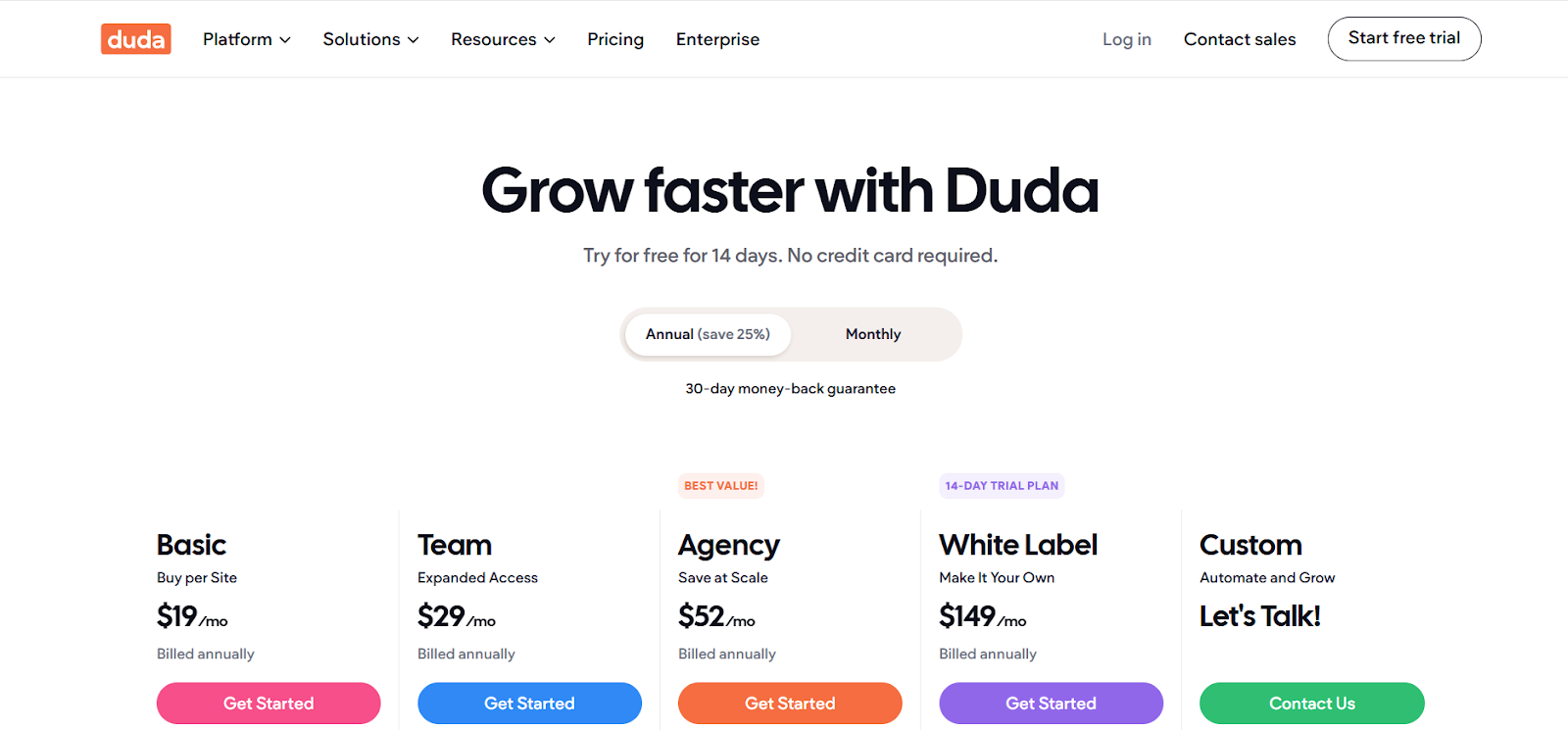
All plans include hosting, SSL certificates, and customer support.
WordPress:
WordPress.org is technically free to use, but expenses add up with hosting, domain registration, premium themes, and plugins:
- Hosting starts at $5-$30/month (depending on provider).
- Premium themes typically cost $50-$100.
- Specific plugins or tools may have additional fees.
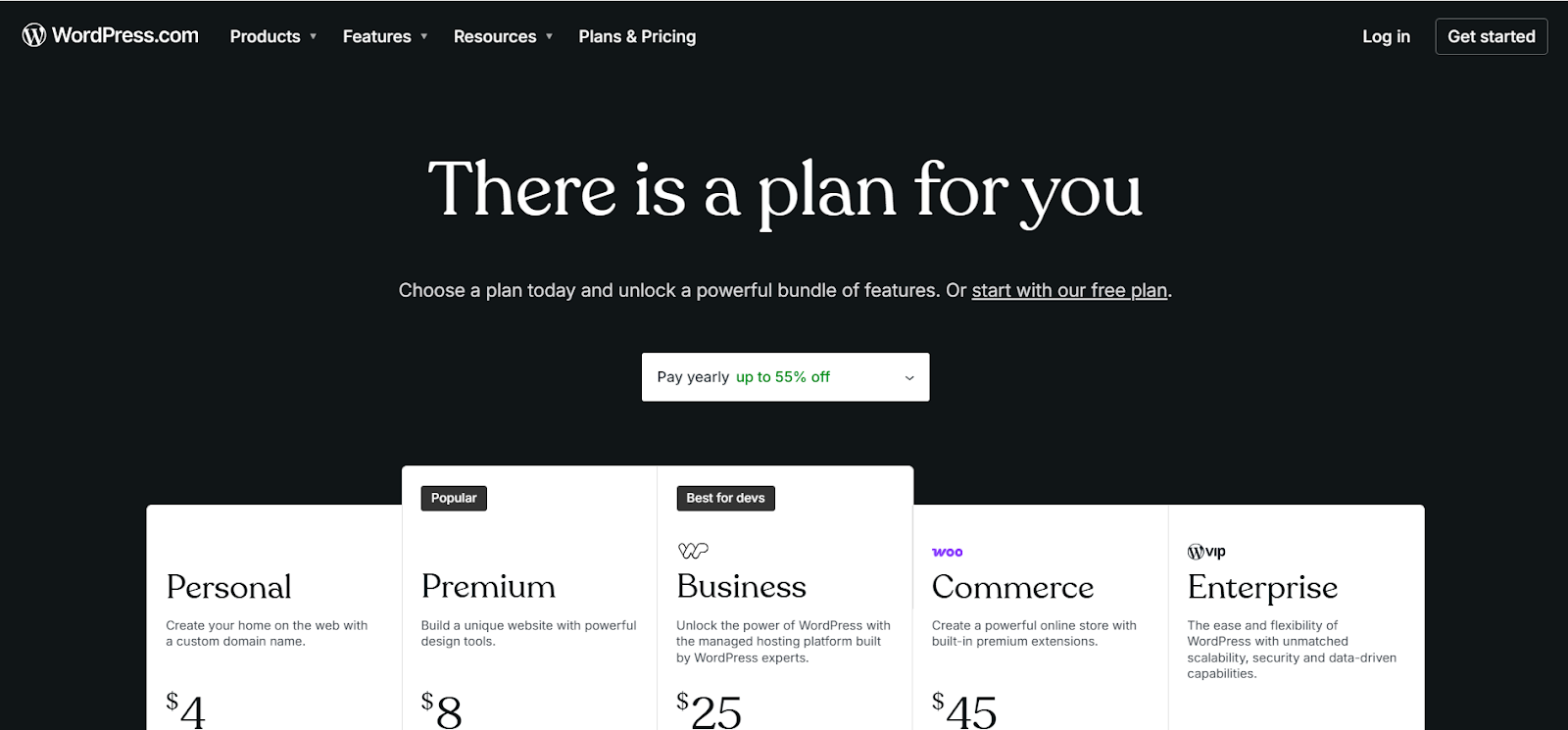
Verdict: For those on a strict budget, WordPress.org can be affordable. However, Duda’s all-in-one pricing offers better value for its streamlined offerings.
Customization Comparison
Duda:
While Duda’s drag-and-drop editor is user-friendly, it does limit customization to pre-existing options. Advanced design and coding tasks may feel restrictive compared to WordPress.
WordPress:
WordPress offers unparalleled customization through code editing and plugins. Developers can completely transform the platform to build highly unique and functional websites.
Verdict: WordPress is the clear winner for total customization, but Duda’s simplicity is perfect for small businesses.
Templates and Design Options
Duda:
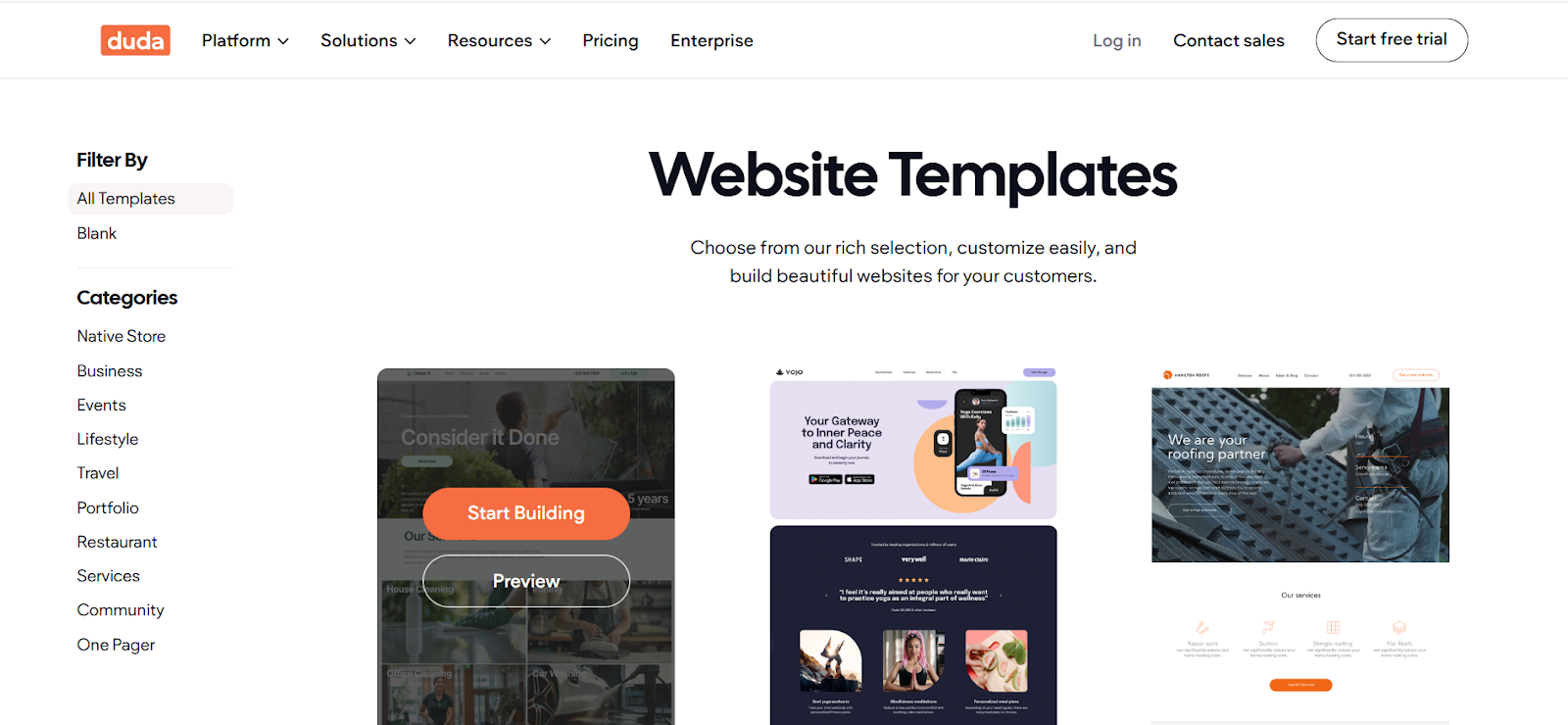
Duda provides over 100 polished templates designed for specific industries, such as travel, fitness, or retail. All templates are responsive and can be customized via the editor.
WordPress:
WordPress offers thousands of free and premium themes, ranging from basic designs to highly complex ones. While the selection is greater, users need to choose carefully to ensure compatibility with their needs.
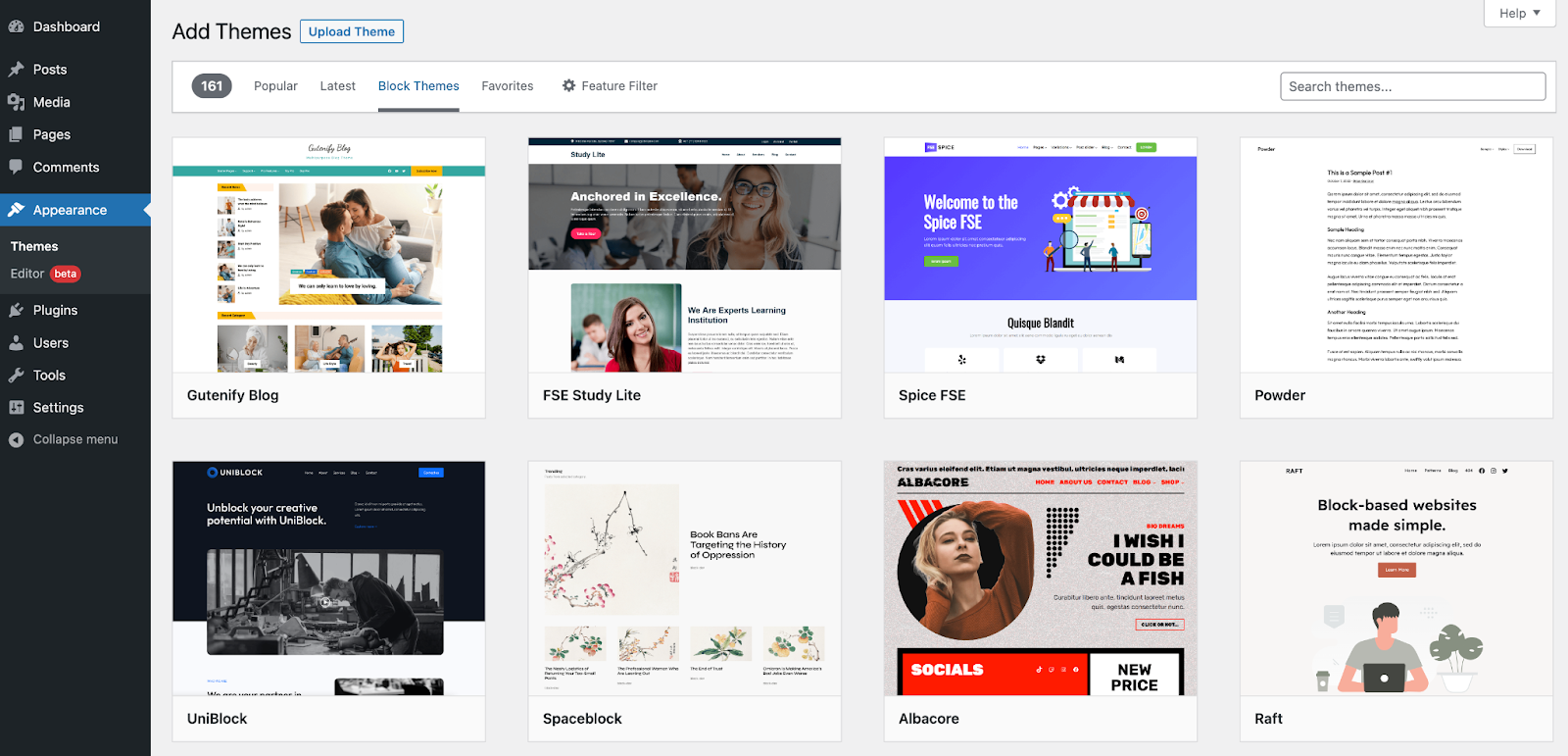
Verdict: Duda’s templates are optimized for fast builds, but WordPress surpasses it in variety.
Tools and Features Comparison
Duda:
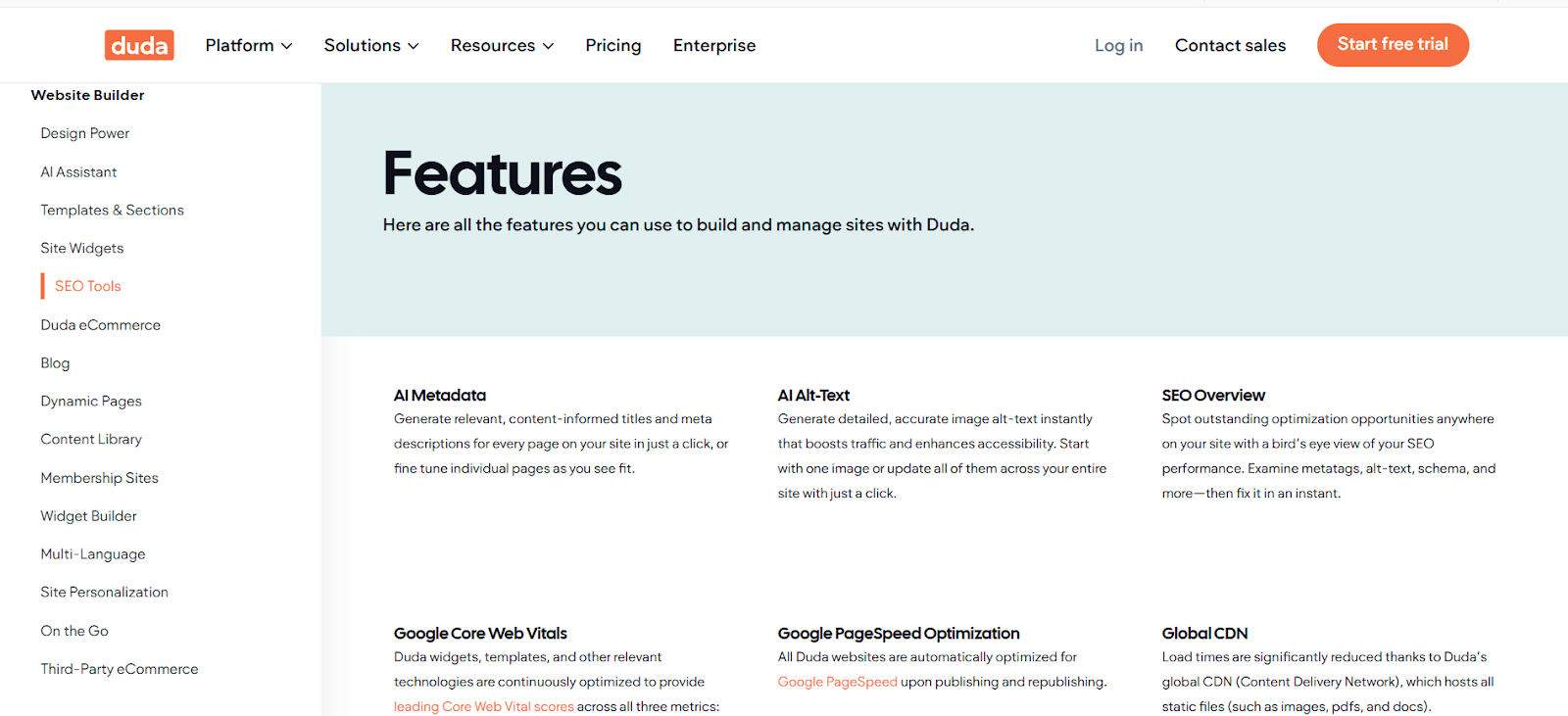
- Built-in analytics to track performance.
- Powerful client management tools, including white labeling for agencies.
- Integrated SEO options, simplifying optimization.
WordPress:
- Extensive plugin library (over 58,000 options) for advanced functionality.
- Tools for direct integrations with email marketing, social media, and more.
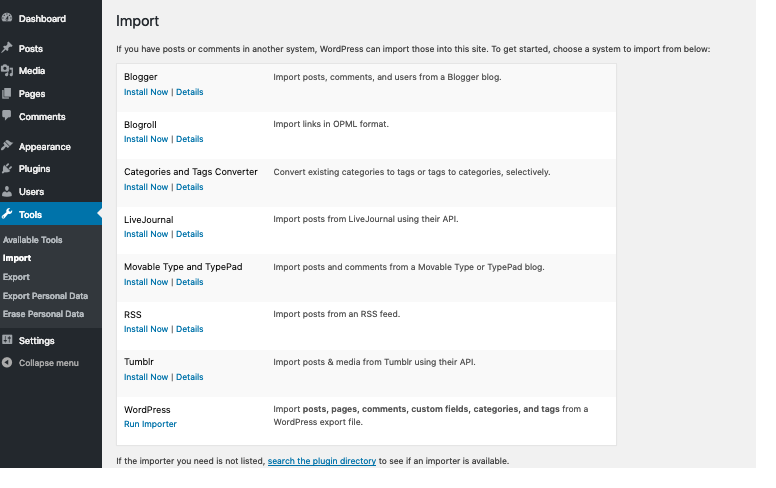
Verdict: WordPress holds the edge for advanced tools, but Duda’s out-of-the-box features are better for quick setups.
Security Features
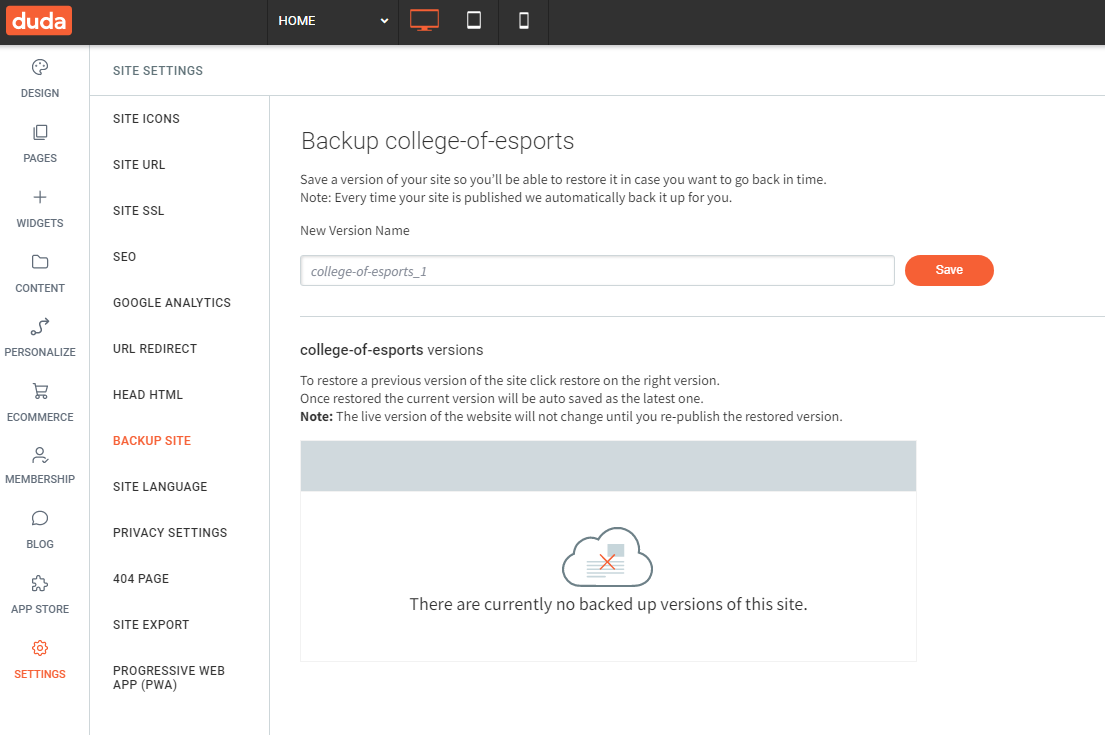
Duda:
- Free SSL certificates with all plans.
- Regular automatic updates and backups.
- Built-in hosting reduces external risks.
WordPress:
- Security largely depends on your hosting provider and plugins.
- Requires manual updates for themes, plugins, and WordPress versions.
- SSL certificates depend on hosting services.
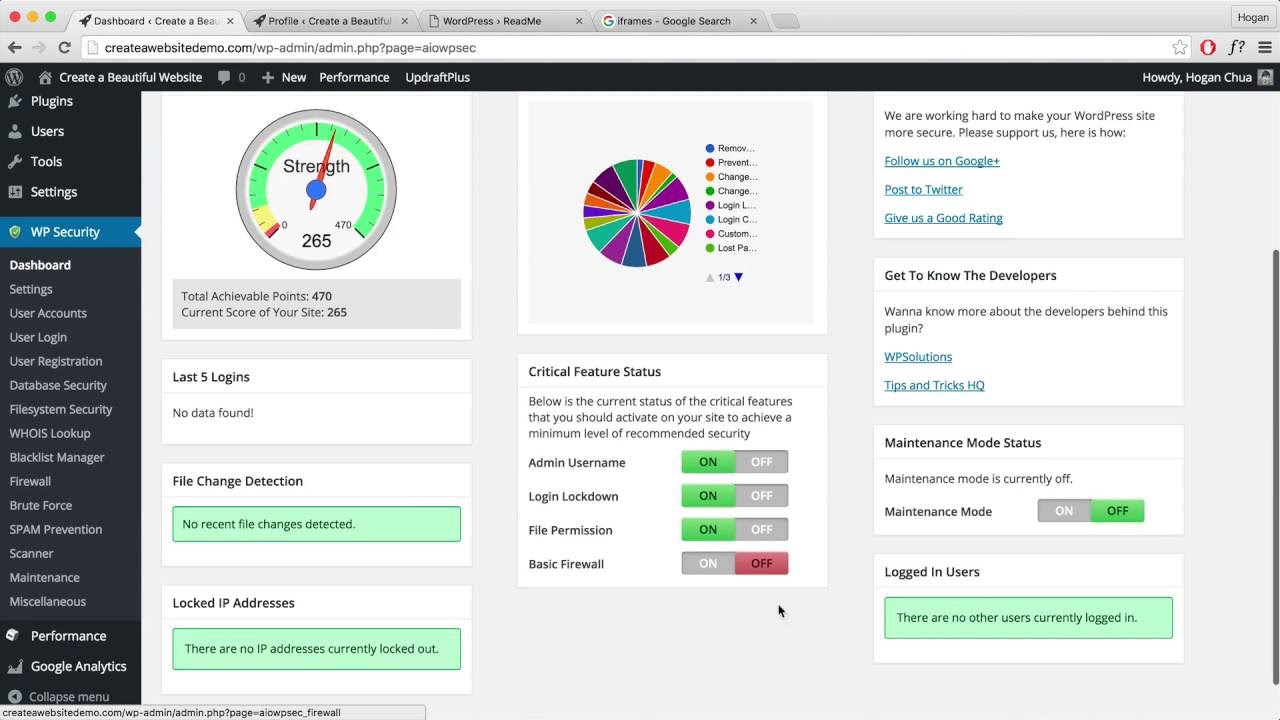
Verdict: Duda offers stronger, built-in security features, making it more hands-off.
FAQs About Duda and WordPress
Can I use Duda for e-commerce?
Yes, Duda offers built-in options for small online stores, including payment gateways and product management.
Is WordPress suitable for beginners?
WordPress.com is user-friendly for beginners, while WordPress.org may necessitate a learning curve for those who are not accustomed with hosting or coding.
Which platform is better for SEO?
While both platforms are SEO-friendly, WordPress provides more advanced SEO plugins like Yoast and RankMath.
Which Platform Should You Choose?
When selecting between WordPress and Duda, it is important to take into account your individual requirements.
- Choose Duda if you want an easy-to-use platform with built-in hosting, templates, and low maintenance. It’s perfect for small businesses and agencies with limited technical expertise.
- Choose WordPress if you need full control over customization, scalability, and advanced tools. Ideal for developers and businesses that manage complex websites.
Both tools have their strengths, but the best choice depends on what you’re looking for. Whether you favor simplicity or flexibility, the key is to use the platform that aligns with your goals.